
Bit-for-bit SHA-256 duplicate detection and hardlinking.
DiskUni's Duplicates module uses a high-performance 3-Tier Cryptographic Pipeline to locate bit-for-bit identical files across any directory or drive. First, it groups files by exact byte size. Next, it hashes the initial 4KB header. Finally, it calculates a full cryptographic SHA-256 digest on candidates, ensuring 100% byte-exact accuracy with zero false positives. Even better: with 1 click, you can replace duplicate files with zero-space filesystem hardlinks, reclaiming full storage while keeping all file paths intact!
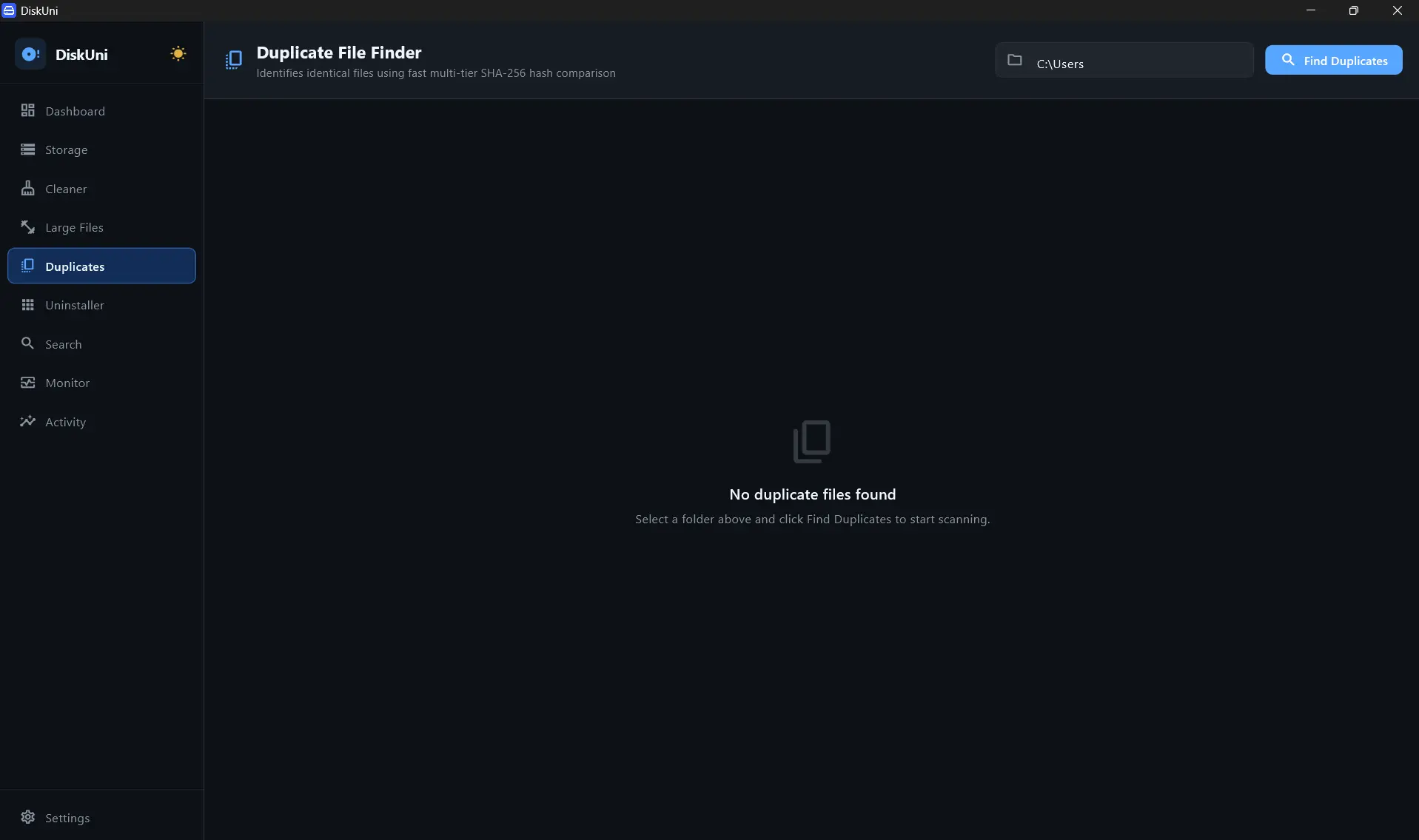
Size Match -> Header 4KB Hash -> Full Cryptographic Digest
Guaranteed 0% false positives across all file types
Replaces clone files with zero-space filesystem pointers
Inspect resolution, bitrate, audio tracks, and modified dates
3-Tier Cryptographic Pipeline
Optimized hashing engine avoids computing heavy SHA-256 digests on files with distinct sizes or different header signatures.
Zero-Space Hardlink Replacement
Convert duplicate files into NTFS / APFS hardlinks. Free up 100% of the duplicate disk space while keeping files accessible at their original paths.
Side-by-Side Visual Diff
Compare duplicate photos, videos, and documents side by side with full EXIF metadata, dimensions, and bitrate overlays.
Smart Auto-Selection Rules
Automate selection with one click: 'Keep Newest', 'Keep Oldest', 'Keep Shortest Path', or 'Keep In Original Folder'.
Choose Folders to Compare
Scan your entire drive, or select specific target folders (Downloads, Pictures, Video Archives).
Review Matched Duplicate Groups
Identical files are grouped with visual previews, file paths, and cryptographic hash verification.
Deduplicate or Hardlink
Choose to delete duplicates, move them to backup, or convert them into zero-space filesystem hardlinks.
Batch Convert to Hardlinks
Quickly convert all checked duplicate copies into zero-space NTFS/APFS hardlinks.
Keep Newest in Group
Automatically mark older duplicates across all duplicate groups for cleanup.
What is a zero-space hardlink and how does it save space?
A hardlink creates multiple file path references pointing to the exact same physical data clusters on disk. Both files appear normal to programs and Explorer, but only consume disk space once!
Will DiskUni compare files with different names but identical content?
Yes! DiskUni compares the actual cryptographic binary content (SHA-256) of files, so it catches identical files even if they have completely different filenames or extensions.
Is there any risk of data loss?
None. DiskUni guarantees byte-for-byte exact matches and provides an optional staging quarantine before finalizing any deletion.
Reclaim your drive's storage in seconds.
No subscriptions. No cloud uploads. Just a lightning-fast native tool that draws your drive to scale and clears the bloat safely.